Operational Context: What Does Enterprise AI Mean for Internal Support?
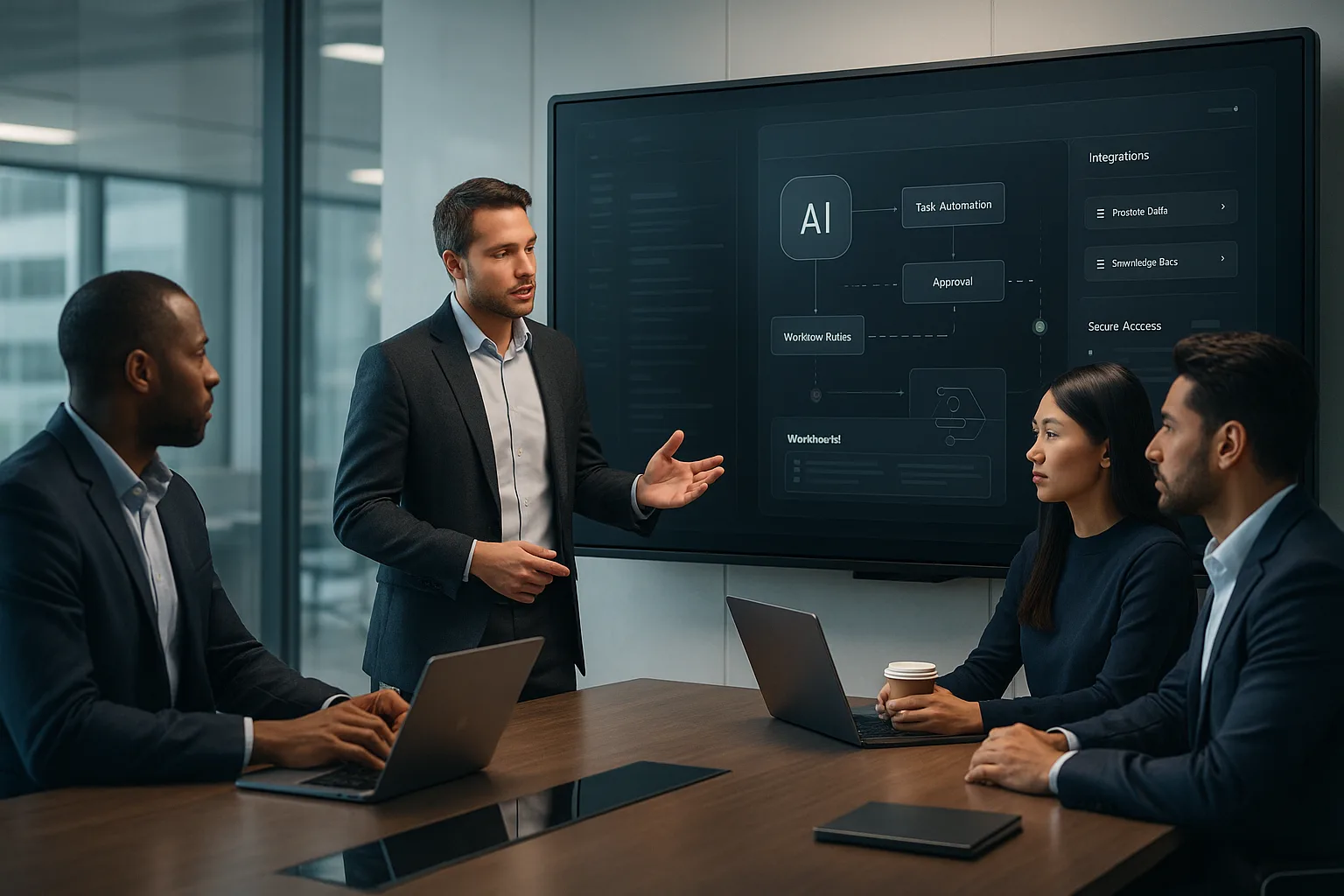
Enterprise AI for internal support and operations refers to deploying artificial intelligence systems—often in the form of chatbots, digital assistants, or workflow engines—within an organization to streamline employee requests, automate repetitive tasks, and improve decision-making. Unlike public-facing AI tools, these solutions operate on private company data, follow internal workflow rules, and often require human validation for sensitive actions.
Examples include AI-powered help desks, knowledge base assistants, automated approval routing, and intelligent ticket triage. Their adoption is growing as organizations seek to reduce operational friction, free up human talent for higher-value work, and ensure faster, more consistent internal service.
Why This Topic Matters: Real-World Drivers and Impact
- Volume and Complexity: As organizations scale, internal requests (IT support, HR inquiries, procurement, etc.) multiply, often overwhelming traditional support models.
- Knowledge Silos: Critical information is frequently scattered across documents, emails, and legacy systems, making it difficult for employees to find accurate answers quickly.
- Compliance and Control: Many workflows require strict adherence to policies, audit trails, and approvals—areas where AI can enforce consistency but also introduce risk if not managed carefully.
- Pressure to Modernize: Digital transformation initiatives increasingly prioritize automation and AI to improve efficiency, employee satisfaction, and operational resilience.
Done well, enterprise AI assistants can reduce response times, minimize manual errors, and provide actionable insights. However, they also bring new challenges around data privacy, change management, and operational oversight.
Main Approaches: Architectures, Trade-offs, and Risk Factors
1. Private Knowledge Management
Enterprise AI assistants must access and interpret private company information—policies, procedures, historical tickets, and more. This typically involves:
- Integrating with internal data sources: Secure connections to knowledge bases, intranets, document repositories, and ticketing systems.
- Granular access controls: Ensuring the AI only surfaces information appropriate for the user's role and context.
- Continuous knowledge updates: Keeping the AI's knowledge current as policies and processes evolve.
Trade-off: The richer the AI's access, the greater the risk of data leakage or outdated information. Rigorous security and update processes are essential.
2. Workflow Rules and Automation
AI can automate steps in common workflows—like routing requests, escalating issues, or triggering approvals—by following pre-defined business logic.
- Rule-based automation: Deterministic logic for well-defined processes (e.g., "If expense > $1,000, require manager approval").
- AI-driven suggestions: Machine learning models that recommend actions based on historical patterns, but still allow human override.
Trade-off: Over-automation can lead to inflexible processes or unintended consequences if edge cases aren't considered. Human-in-the-loop design mitigates these risks.
3. Human Validation and Oversight
For sensitive actions—like granting system access, approving large expenditures, or handling confidential HR matters—AI should prompt for human review before finalizing decisions.
- Escalation protocols: AI flags ambiguous or high-risk cases for manual approval.
- Audit trails: All AI-driven actions are logged for compliance and review.
Risk: Skipping human validation can result in compliance violations, reputational damage, or operational errors.
Practical Implementation and Evaluation Criteria
| Evaluation Area | Key Questions | What to Look For |
|---|---|---|
| Data Security & Privacy | How is sensitive data accessed, stored, and protected? Are user permissions enforced? | End-to-end encryption, role-based access, SOC2/ISO-aligned controls |
| Knowledge Management | How is the AI's knowledge base maintained and updated? | Automated sync with source systems, clear content ownership, version control |
| Workflow Flexibility | Can business rules be updated without deep technical intervention? | Low-code/no-code rule editors, clear documentation, test environments |
| Human Oversight | How are exceptions, escalations, and overrides handled? | Configurable escalation paths, audit logs, user feedback mechanisms |
| Integration Capabilities | Does the solution connect with existing systems (ERP, HRIS, ticketing)? | Standard APIs, connectors, SSO support |
| User Experience | Is the assistant intuitive for non-technical employees? | Conversational UI, clear prompts, accessible channels (web, chat, mobile) |
Common Mistakes and Warning Signs
- Underestimating Change Management: Deploying an AI assistant without sufficient training or communication can lead to confusion, resistance, and low adoption.
- Insufficient Data Governance: Failing to control data access or monitor AI outputs can result in privacy breaches or misinformation spreading internally.
- Over-promising Capabilities: Marketing AI as fully autonomous when it requires frequent human intervention can erode trust and credibility.
- Neglecting Edge Cases: Rigid automation that doesn't account for exceptions can cause workflow bottlenecks or compliance issues.
- Lack of Continuous Improvement: Treating AI deployment as a one-time project, rather than an ongoing process, leads to stagnation as business needs evolve.
Conclusion and Next-Step Guidance
Enterprise AI for internal support and operations offers significant potential—when implemented with clear governance, robust integration, and a thoughtful balance between automation and human oversight. Organizations should start with well-defined use cases, involve operational stakeholders early, and prioritize transparency in both AI capabilities and limitations.
For leaders considering enterprise AI, the next steps typically involve:
- Auditing current internal support workflows and knowledge sources
- Identifying high-impact, low-risk pilot areas
- Engaging cross-functional teams (IT, HR, compliance, operations) in requirements gathering
- Evaluating vendors or partners based on the criteria above
- Planning for iterative rollout, feedback, and continuous improvement
If you’re exploring how to responsibly introduce AI into your internal operations, a consultative discussion with a technology partner can help clarify priorities and surface practical risks before you commit to a solution.