
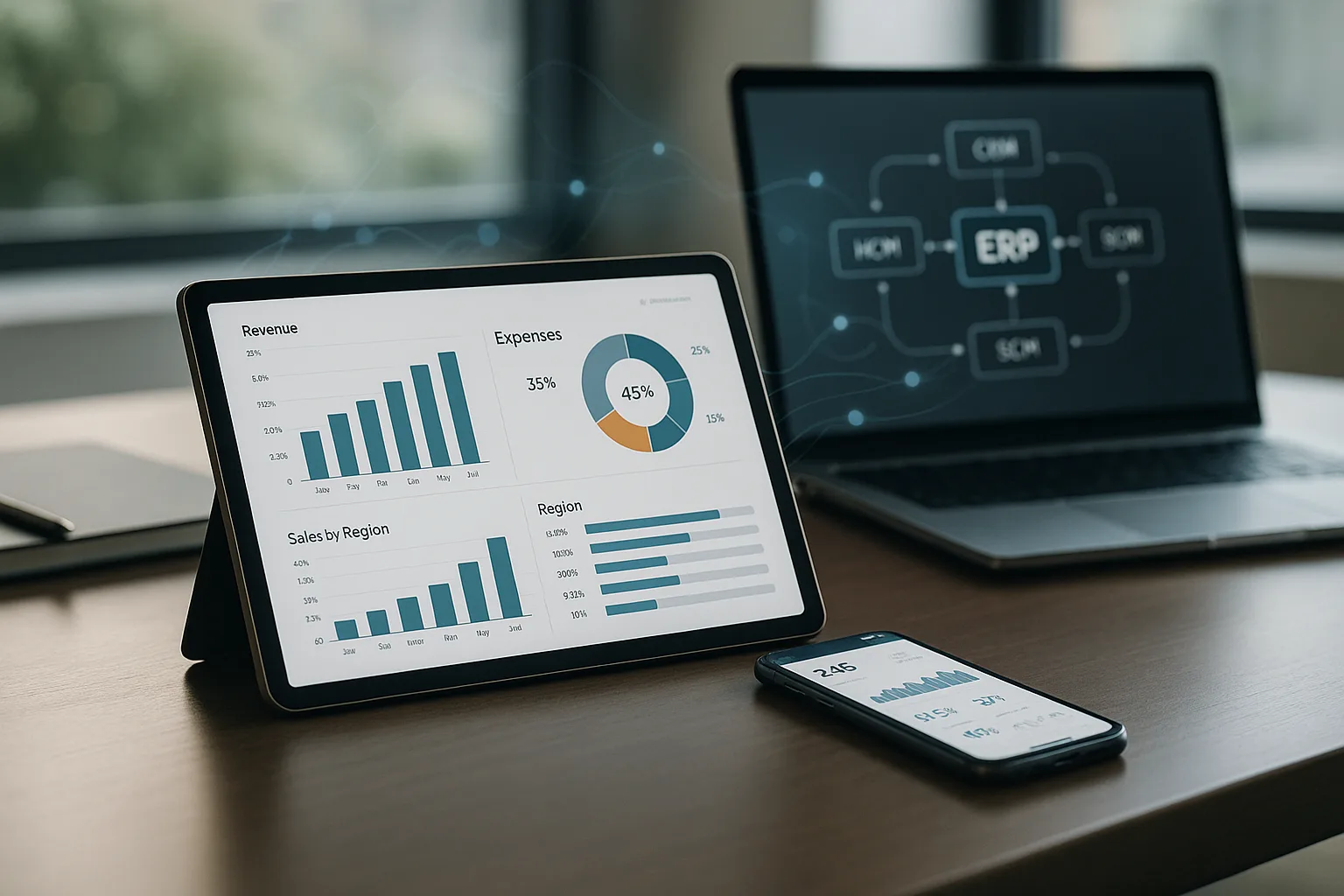
Introduction: The Operational Context for ERP-Connected Mobile Apps
Mobile apps integrated with ERP (Enterprise Resource Planning) systems are transforming how organizations operate, from field service and sales to inventory and executive oversight. Instead of isolated tools or manual data entry, companies can empower employees and partners with real-time access and transactional capabilities—directly from their smartphones or tablets, wherever work happens.
However, the path from a standalone mobile app to a robust, ERP-connected solution is rarely straightforward. It requires a thoughtful approach to APIs, data synchronization, security, and operational design. This article provides a practical, in-depth look at what it takes to build, evaluate, or modernize a mobile app that truly integrates with your enterprise systems.
Why ERP-Mobile Integration Matters in Practice
- Real-Time Decision Making: Field teams can check inventory, update orders, or approve workflows instantly, reducing delays and errors.
- Process Automation: Mobile apps can trigger ERP transactions (like purchase requests or service logs) without redundant paperwork.
- Data Accuracy: Direct integration minimizes manual entry, reducing the risk of outdated or conflicting records.
- Operational Visibility: Managers gain up-to-date insights into remote operations, supporting better resource allocation and customer service.
- Competitive Agility: Organizations can respond faster to market changes, regulatory demands, or customer needs by leveraging mobile-ERP synergies.
Without proper integration, mobile apps often become isolated tools, leading to data silos, rework, and compliance headaches. The stakes are especially high in industries with distributed teams, tight supply chains, or complex compliance requirements.
Main Approaches: Integration Strategies, Trade-Offs, and Risks
API-Driven Integration
The most sustainable approach is to connect mobile apps to ERP systems via well-defined APIs (Application Programming Interfaces). Modern ERPs often provide RESTful or SOAP APIs for core functions such as order management, inventory, HR, and finance. API-driven integration enables:
- Real-time or near-real-time data exchange (subject to network and ERP performance)
- Granular security controls (via authentication, authorization, and audit logging)
- Scalability as business needs evolve
However, not all ERPs offer mature APIs, and legacy systems may require middleware, custom connectors, or even screen-scraping—each with its own maintenance and security implications.
Data Syncing: Online, Offline, and Hybrid Models
| Sync Model | Pros | Cons | Best For |
|---|---|---|---|
| Online/Real-Time | Always up-to-date; minimal local storage | Requires constant connectivity; risk of downtime | Urban, always-connected users |
| Offline/Batch Sync | Works without network; resilient in the field | Risk of data conflicts; sync complexity | Remote, mobile workforces |
| Hybrid | Balances availability and accuracy | Requires robust conflict resolution | Mixed environments |
Choosing the right sync strategy depends on your team's workflows, connectivity realities, and ERP capabilities. Failure to plan for sync conflicts or network outages can lead to lost data or operational disruption.
Security Considerations
- Authentication: Use strong, enterprise-grade authentication (OAuth2, SSO, MFA) to prevent unauthorized access.
- Authorization: Ensure that mobile users have access only to the data and actions appropriate for their roles.
- Data Protection: Encrypt sensitive data in transit (TLS/SSL) and at rest on the device.
- Auditability: Log all transactions and access attempts for compliance and incident response.
- API Security: Validate all API requests and responses; never trust client-side data blindly.
Mobile-ERP integration widens the attack surface. Weak authentication, overlooked device security, or poorly protected APIs can expose critical business data or enable fraud.
Practical Implementation and Evaluation Criteria
Key Questions for Decision-Makers
- Does our ERP provide stable, well-documented APIs? If not, what middleware or integration layer is required?
- What are the most critical workflows to mobilize (e.g., sales, service, inventory)?
- How will we handle offline scenarios and data syncing conflicts?
- What security controls are required for our industry and risk profile?
- How will we monitor, support, and update the mobile app post-launch?
Implementation Checklist
- Map core business processes to mobile use cases and ERP endpoints.
- Design API contracts with versioning and error handling in mind.
- Prototype sync logic and test with real-world connectivity disruptions.
- Implement robust authentication and device management policies.
- Plan for ongoing monitoring, analytics, and user feedback loops.
Common Mistakes and Warning Signs
- Underestimating API Limitations: Assuming all ERP data is easily accessible, when in reality, APIs may be incomplete or poorly documented.
- Neglecting Offline Needs: Designing apps that fail when network coverage is spotty, leading to frustrated users and lost transactions.
- Weak Security Practices: Relying on simple passwords, skipping encryption, or exposing sensitive endpoints.
- One-Size-Fits-All UX: Ignoring the unique needs of field users versus office staff, resulting in low adoption.
- Poor Change Management: Rolling out new mobile-ERP workflows without adequate training or support.
Early warning signs include frequent data mismatches, user complaints about sync failures, or unexplained system errors after mobile adoption.
Conclusion: Next Steps for Mobile-ERP Integration
Successfully integrating mobile apps with ERP systems is a strategic investment that pays off in agility, efficiency, and data-driven operations. The most effective projects start with a clear understanding of business priorities, technical constraints, and user realities. By focusing on robust APIs, thoughtful sync strategies, and enterprise-grade security, organizations can avoid common pitfalls and realize the full value of mobile-ERP synergy.
If you’re evaluating options or planning an integration, consider a phased approach—starting with a high-impact workflow and iterating based on real user feedback. For organizations seeking guidance, consulting with experienced integration partners can accelerate time-to-value and reduce risk.